
Free Gutenberg WooCommerce Theme
Kubelio – Free Minimalist WooCommerce Theme for WordPress
A clean, lightweight WordPress theme built specifically for WooCommerce stores. Designed for clarity, fast setup, and a checkout experience that converts. Free to use on unlimited sites
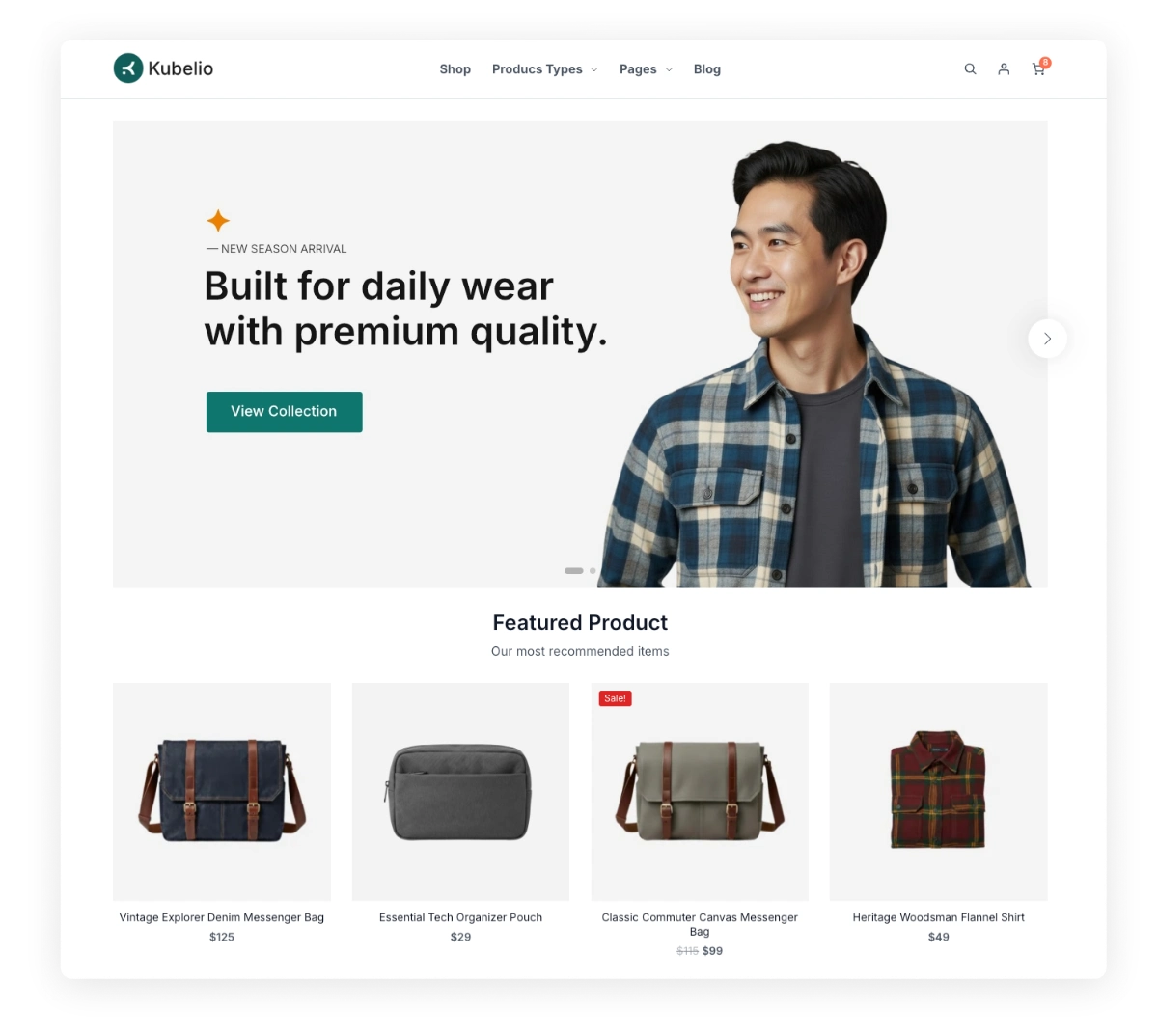
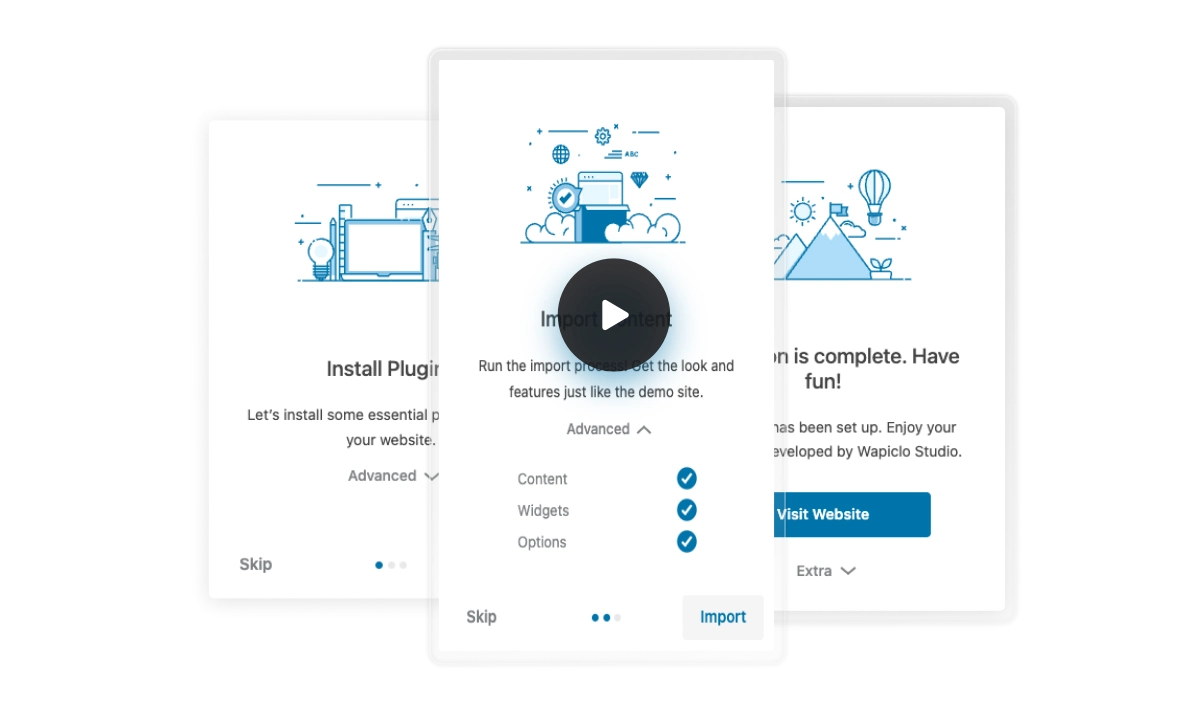
Quick Setup & One-Click Demo Installation
Getting your WooCommerce store online shouldn’t take days. Kubelio includes ready-made demo content that imports in one click — giving you a fully working store layout to customize from day one. No blank canvas, no guesswork. Just install, import, and start selling.
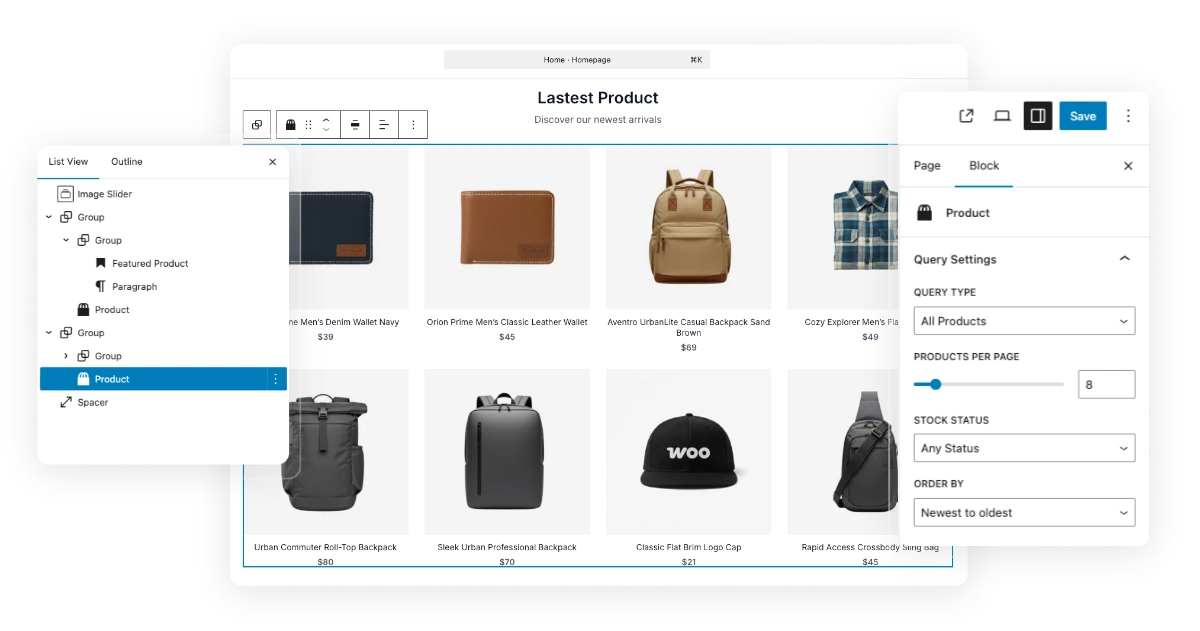
Build Your Homepage with the Block Editor
Kubelio is fully compatible with the native WordPress Block Editor (Gutenberg) — no third-party page builder required. Drag, drop, and rearrange sections visually until your homepage looks exactly the way you want. Everything stays fast and lightweight because there’s no bloated plugin overhead. New to blocks?
Features Built for WooCommerce Stores
Everything you need to run a clean, fast, and easy-to-manage online store.
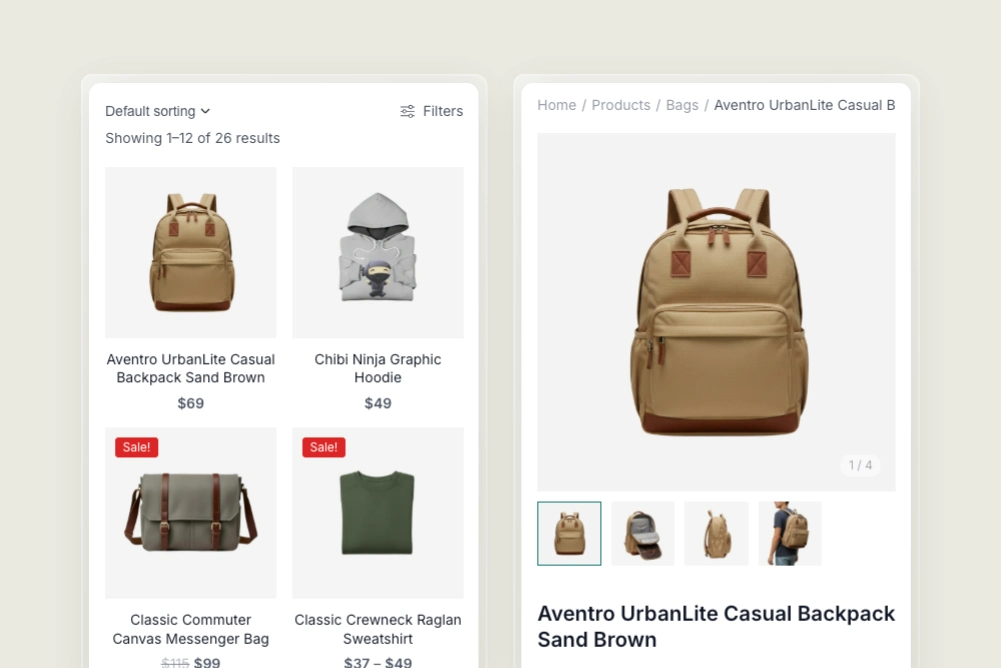
Responsive on All Devices
Your store looks great on every screen size — mobile, tablet, and desktop. Shoppers get a smooth, consistent experience no matter what device they use.
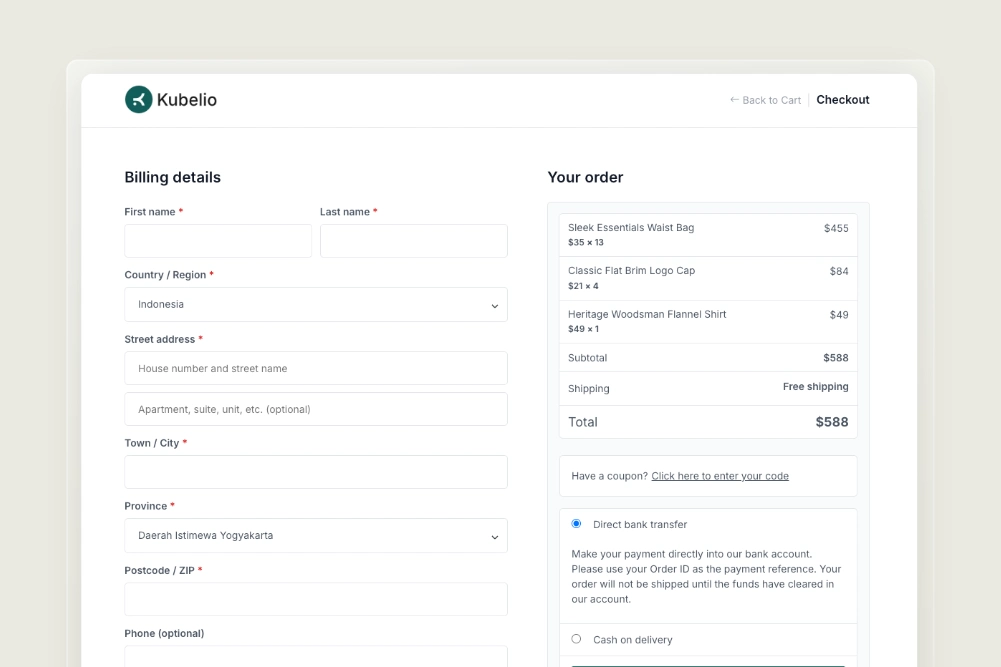
Optimized Checkout Layout
A clean, distraction-free checkout page that helps customers complete purchases with confidence. Fewer distractions mean lower cart abandonment and more completed orders.
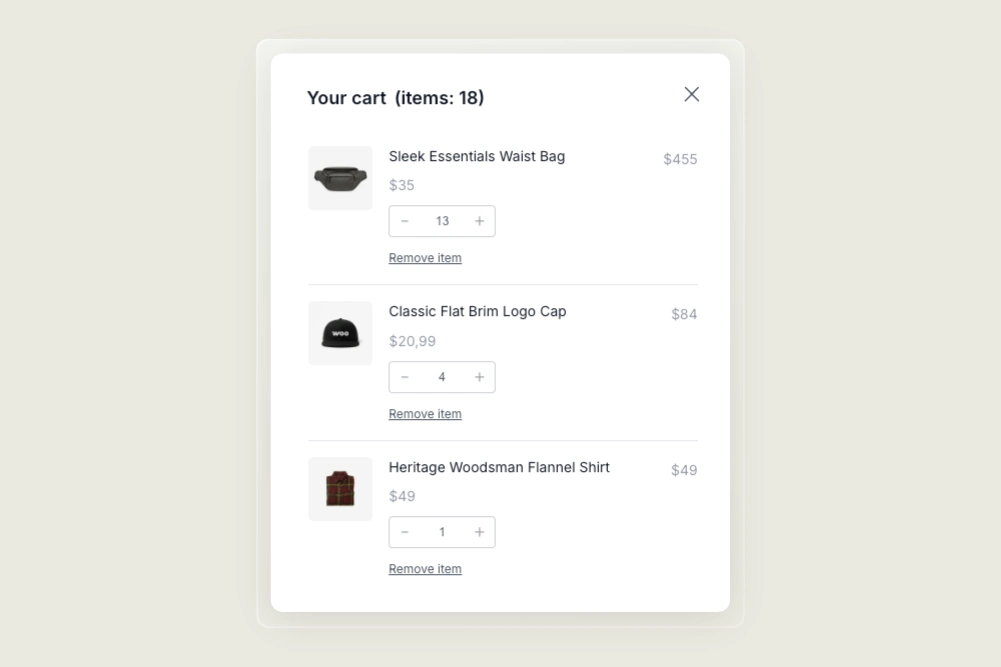
Quick Mini Cart Access
Customers can review items, adjust quantities, and head to checkout — all from the mini cart. No page navigation needed, so shoppers stay focused on buying.
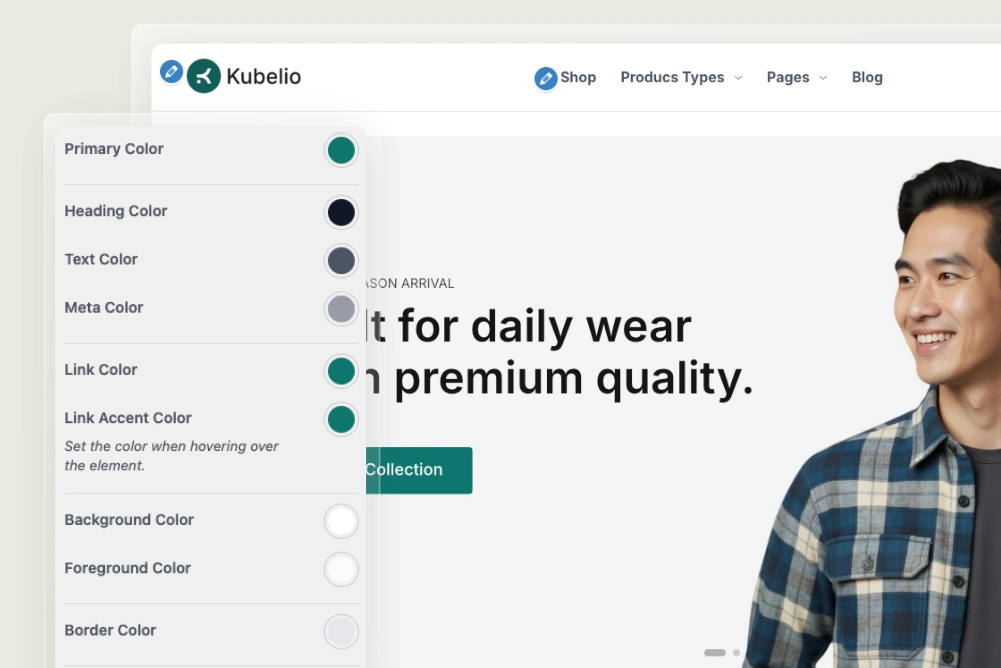
Easy Customizer
Adjust colors, fonts, and visual styles in real-time using the native WordPress Customizer. No coding required — changes preview instantly before you publish.
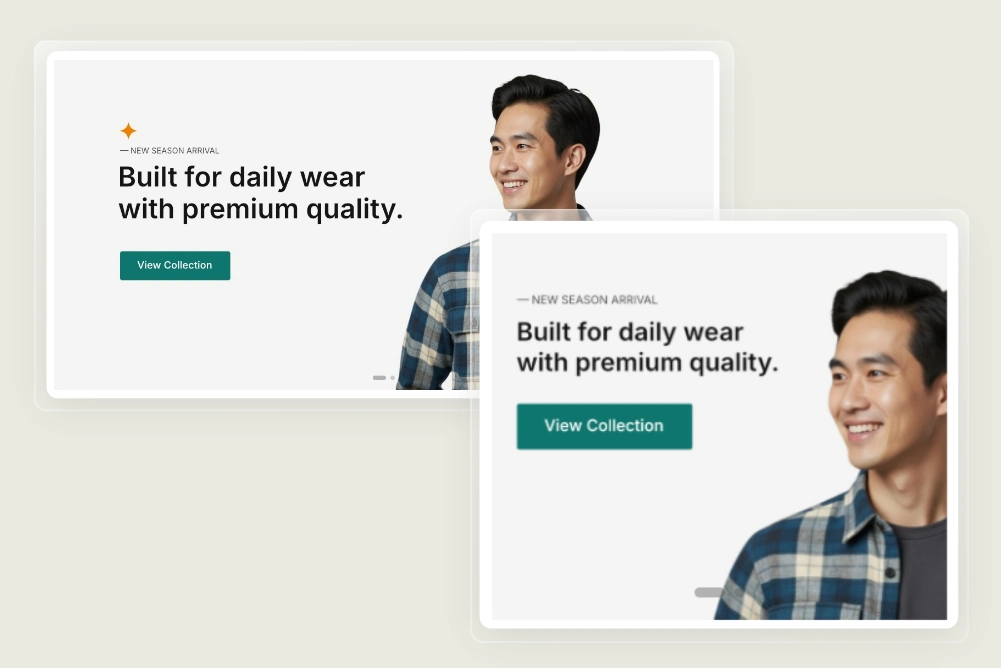
Adaptive Banner for Mobile & Desktop
Upload separate banner images for desktop and mobile so every promotion looks pixel-perfect. Avoid cropped or stretched banners that hurt your brand on small screens.
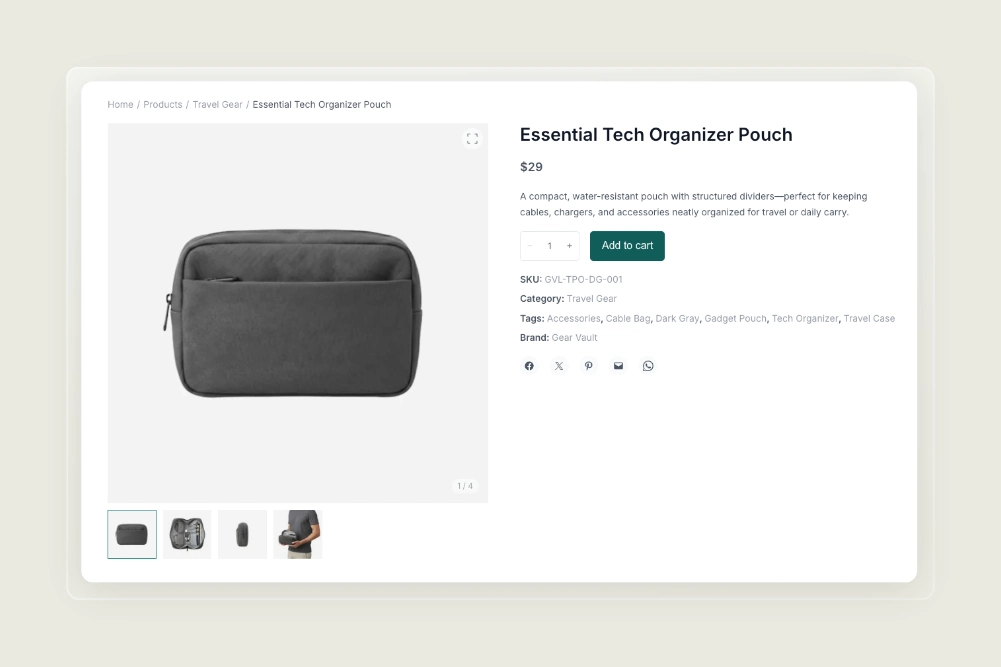
Clean Single Product Page
A clean single product layout that highlights product details, pricing, and actions—making it easier for customers to decide and buy.
Create a Modern E-Commerce With Kubelio Theme
Why Choose Kubelio Over Other WooCommerce Themes
There are hundreds of WooCommerce themes available — so why Kubelio? Unlike multipurpose themes loaded with features you’ll never use, Kubelio is purpose-built for WooCommerce stores that prioritize speed, simplicity, and a smooth customer experience.
Clean & Minimalist Design
Designed with clarity in mind so products stay front and center. A minimal layout removes visual noise and helps customers focus on what matters.
Built with Block Editor
Fully compatible with WordPress Gutenberg — no Elementor or Divi needed. Edit your layout visually without installing heavy page builder plugins.
Easy to Use
Install, import demo content, and launch — all in under 10 minutes. No technical knowledge required, whether you’re a beginner or a seasoned developer.
Reliable Support
Detailed documentation covers everything from installation to advanced customization. If you get stuck, our support team responds promptly to help you move forward.
Deep WooCommerce Integration
Every page — shop, product, cart, and checkout — is designed specifically for WooCommerce. Not a generic theme adapted for e-commerce, but one built for it from the start.
One Click Demo Import
Skip the blank slate — import a complete, working store layout in one click. All demo pages, products, and settings are included so you can start customizing immediately.
Download Kubelio – Free WooCommerce Theme
Start building your WooCommerce store today with a theme designed for clarity and conversion. No payment, no account required — just download, install, and go. Join hundreds of store owners already using Kubelio to sell online.
Frequently Asked Questions
Have questions about Kubelio? Find quick answers below. If you can’t find what you’re looking for, feel free to contact us directly.
Kubelio is built for self-hosted WordPress (WordPress.org). It can be installed on WordPress.com only if you’re on a Business plan or higher that supports custom themes. For full control over your store, we recommend a self-hosted setup.
Yes! You can use it on as many sites as you want without paying a dime.
No. Kubelio uses the native WordPress Block Editor (Gutenberg) for all layout and content editing. There’s no need to install Elementor, Divi, or any other page builder plugin. This keeps your site lightweight and fast.
Not at all. Everything can be customized visually through the Block Editor and WordPress Customizer. Our documentation guides you step by step through the entire setup. If you ever get stuck, our support team is just a message away.
Kubelio works with all standard WooCommerce plugins including payment gateways, shipping, and product add-ons. If you experience any compatibility issues, visit our support page and we’ll help resolve it. We actively test compatibility with popular WooCommerce extensions.
When a new version is released, you can download the latest file from kubelio.com and reinstall it via Appearance → Themes → Add New in your WordPress dashboard — your content and settings won’t be affected. We recommend always keeping a backup before updating, and checking our changelog for release notes so you know what’s changed.
Yes. Kubelio is built to be lightweight — no bloated page builders, no unnecessary scripts, and no heavy frameworks loaded by default. The theme outputs clean HTML and loads only the CSS and JS it actually needs. For best results, pair it with a caching plugin like LiteSpeed Cache or W3 Total Cache and a fast hosting provider.
A Pro version may be developed in the future based on user demand and feedback. Stay updated by following our blog where we announce all new developments. Your feedback directly shapes the roadmap — so don’t hesitate to share what you’d like to see.